Guide · 8 min read
Private PDF Tools for Android: Free PDF App Download Guide
A practical guide to what Private PDF Tools for Android does well, why it fits privacy-first PDF workflows, and where the iOS app is headed next.
Get the Android app
Download Private PDF for Android
Install the live Android app directly from Google Play. iOS is coming soon.

Direct answer
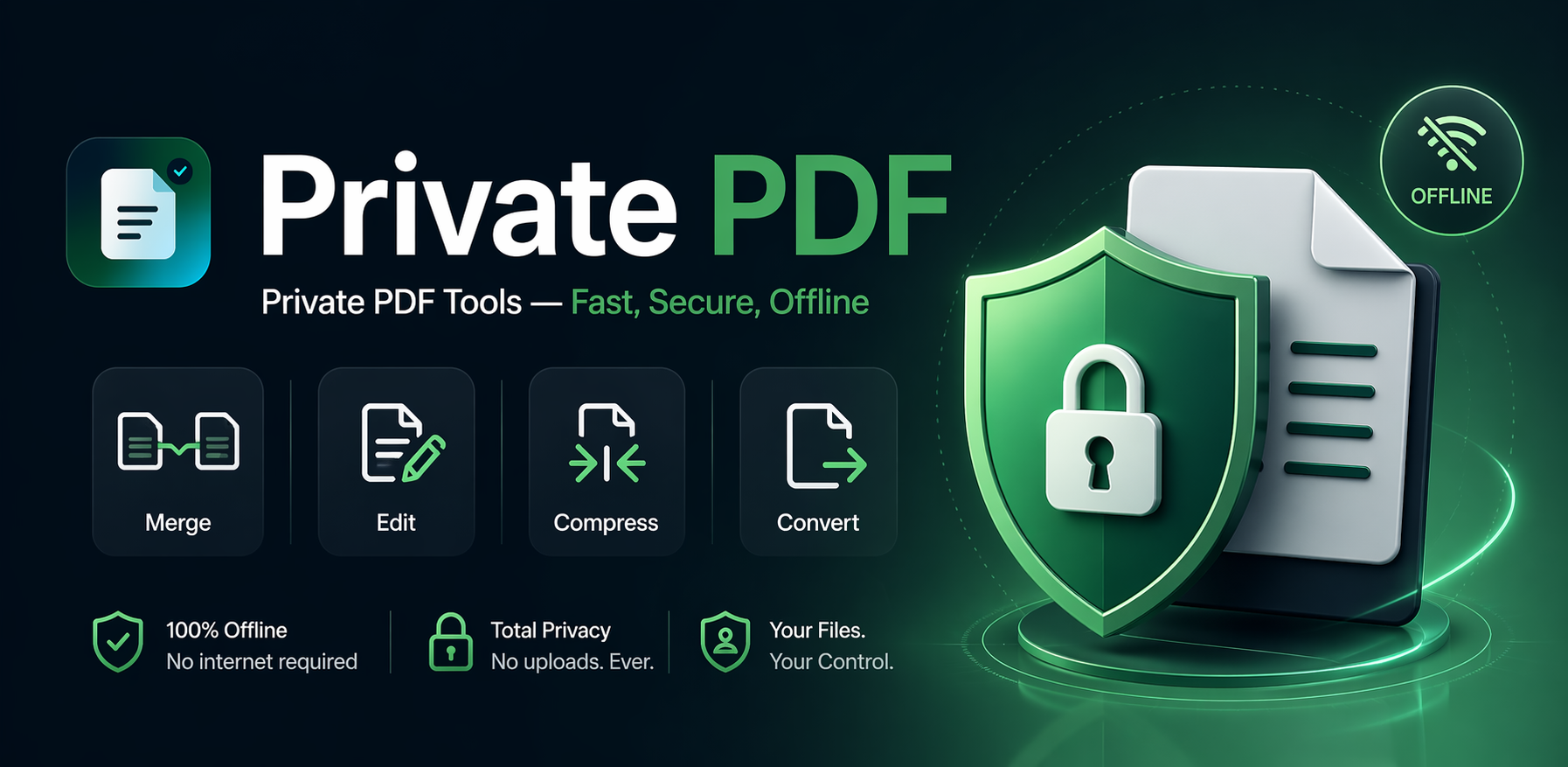
Private PDF Tools for Android is a free PDF utility app built for practical jobs like merge, split, compress, organize, inspect, and export. It is designed for privacy-first local processing on normal supported workflows, and the iOS app is planned next.
- Use it when you want everyday PDF tools without a heavy all-in-one suite.
- It is strongest on practical PDF work such as merge, split, compress, organize, and checks.
- The Android app is live now, while the iOS app is coming soon.
Why Android users look for lighter PDF apps
Most Android users do not need a giant document suite every time they open a PDF. They usually need one narrow job done quickly: merge a few files, remove extra pages, shrink a document before sending it, or check whether a PDF is editable before promising changes.
That is where Private PDF Tools fits. The Android app is built for practical, high-frequency PDF jobs rather than a sprawling office platform full of account prompts, cloud-first storage, and feature overload.
What Private PDF Tools for Android is built for
The app focuses on the PDF tasks people use most often on mobile. That includes merge, split, compress, organize, remove pages, extract pages, rotate pages, file inspection, password checks, metadata checks, and common conversion routes.
This narrower focus is useful because mobile users often open a PDF app in the middle of a real task. They want to fix a packet, prepare a file for email, combine supporting documents, or inspect a document before sharing it. A faster, more focused toolset is usually more helpful than a very broad feature list.
- Merge PDF files into one packet
- Split PDFs or extract the pages that matter
- Compress PDFs for easier upload or sharing
- Organize, rotate, and remove pages
- Check metadata, page count, file size, page size, and editability
Free to use for core Android workflows
One of the main reasons people search for a PDF app on Android is cost. They do not want a hard paywall just to merge two documents or clean up a file before sending it.
Private PDF Tools for Android is free to download and free to use for core workflows. That makes it a practical option for students, job seekers, freelancers, office teams, and anyone who needs everyday PDF help on mobile without committing to a large subscription first.
Why the privacy-first angle matters
PDF files often contain resumes, contracts, invoices, internal documents, applications, and other files people would rather not route through an unnecessary upload loop. Private PDF Tools is designed around privacy-first local processing for normal supported workflows.
That does not mean every possible file pattern is guaranteed to succeed locally, but it does mean the product is intentionally positioned around keeping routine document work closer to the device instead of treating a remote upload queue as the default.
Built for quick jobs and multi-step follow-through
A good mobile PDF app should not make users restart every time the next step changes. Private PDF Tools is especially useful when a file needs more than one practical action, such as converting, then compressing, or splitting, then reviewing the final output.
The continuation flow helps supported workflows move from one relevant tool into the next with less repetition. That makes the Android app more useful for real-world packet prep, not just one-off isolated tasks.
Who should download the Android app
Private PDF Tools is a strong fit for Android users who want a simple PDF utility app rather than a bloated document hub. It works especially well for people who care about speed, privacy-first handling, and practical task completion more than premium feature theater.
It is a good match for students handling assignments, job seekers preparing application packets, freelancers sending client-ready files, and teams dealing with internal documents that need cleanup before they go out.
iOS is coming next
Right now, Android is the active mobile release. The iOS app is planned next, with the same general privacy-first direction and a stronger premium launch scope.
So if you are publishing this page for Android users today, the clean message is simple: the Android app is available now, free for core use, and the iOS app is coming soon.
The practical takeaway
Private PDF Tools for Android is worth downloading if the real need is everyday PDF work without extra clutter. It keeps the experience focused on useful tools, stays free for core jobs, and fits users who prefer a privacy-first mobile workflow.
For Android users who want merge, split, compress, organize, inspect, and export tools in one lighter app, it is a practical option now. For iPhone and iPad users, the iOS version is on the way.